

T-Guard – an Android Device Security App
Safeguard against potential threats and ensure the safety and security of your data on Android
What is T-Guard?
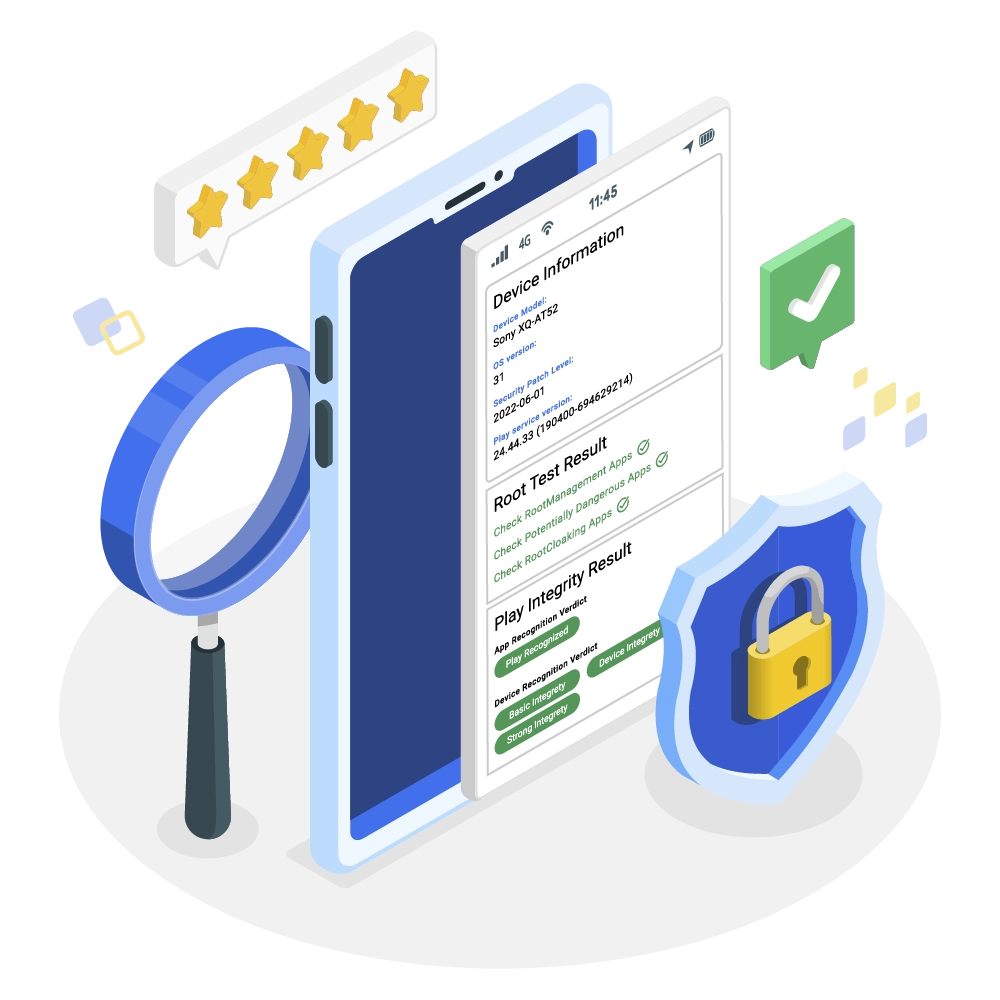
T-Guard is an Android security app developed by Tradelink to detect suspicious or fraudulent activities on mobile devices, including rooting, modified app versions and apps from unverified sources.
By performing a series of root checks and Google Play Integrity tests, T-Guard helps prevent potential threats and ensure a trusted device environment for digital onboarding and identity verification.
Why T-Guard matters for Android security
Android devices are increasingly targeted by attackers who exploit rooting, modified apps and unsafe sideloading to bypass system protections. T-Guard provides users and enterprises with a simple tool to assess device integrity, detect potential threats and make informed decisions before using the device for banking, online trading or identity management.
Root Test – detect rooted or tampered devices
Play Integrity Test – verify app and device integrity
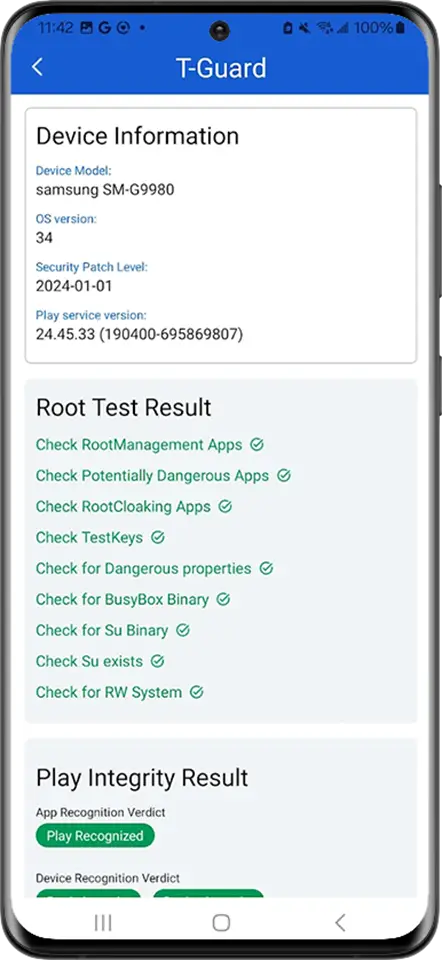
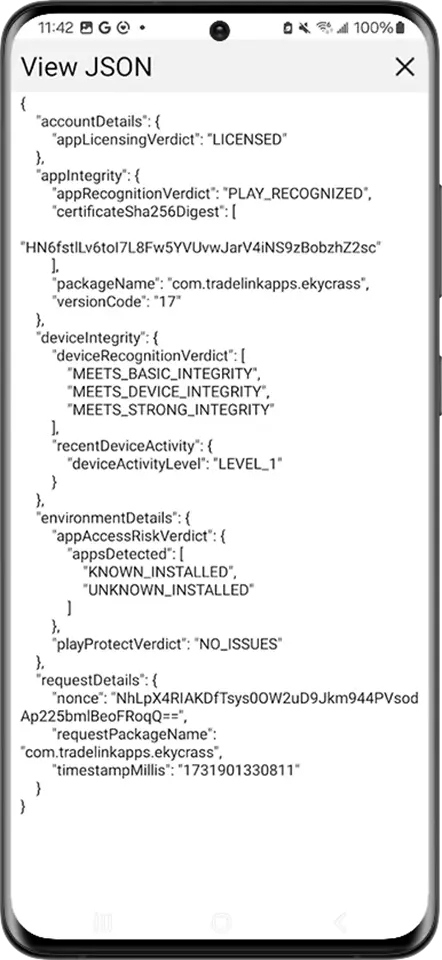
The Play Integrity Test in T-Guard helps detect risky and fraudulent traffic by validating both the app and device against Google Play integrity signals. It assesses app authenticity, device integrity, access risk and Play Protect status to provide a holistic view of the device’s trustworthiness.
T-Guard for digital onboarding and identity management
Download T-Guard on Google Play
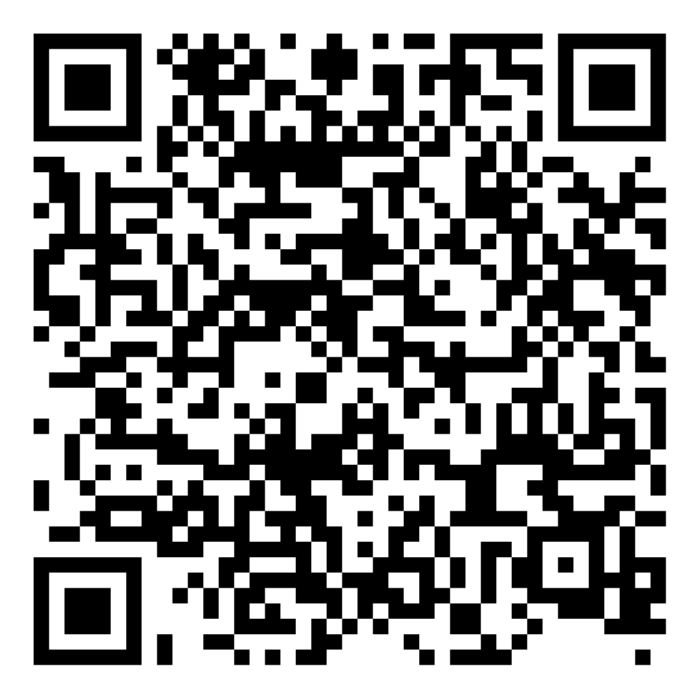
T-Guard is available as a free download on Google Play for compatible Android devices. Simply install the app, run the Root Test and Play Integrity Test, and review the results to understand your device’s current risk level and take appropriate security actions.

Root Test Result Indications
| Method Name | Description |
|---|---|
|
Check Root Management Apps |
Check if any apps for managing root access (like SuperSU or Magisk) are installed. |
|
Check Potentially Dangerous Apps |
Check if any apps known for facilitating root access are installed. |
|
Check Root Cloaking Apps |
Detect apps that can cloak or hide root access from detection tools. |
|
Check for Dangerous Properties |
Check if the BusyBox binary is present, commonly used in rooted devices. |
|
Check for Su Binary |
Check for the presence of the su binary, typically used to elevate privileges. |
|
Check Su Exists |
Another check for the existence of the su binary, via ‘which su’. |
|
Check for RW System |
Verify if the /system partition is mounted as read-write, a sign of rooting. |
Play Integrity Result Indications
| Information | Result | Description |
|---|---|---|
|
App Recognition Verdict |
Play Recognized |
The app and certificate match the versions distributed by Google Play. |
|
Unrecognized Version |
The certificate or package name does not match Google Play records. |
|
|
Unevaluated |
Application integrity was not evaluated. A necessary requirement was missed, such as the device not being trustworthy enough. |
|
|
Device Recognition Verdict |
Device integrity |
The app is running on an Android-powered device with Google Play services. The device passes system integrity checks and meets Android compatibility requirements. |
|
Basic integrity |
The app is running on a device that passes basic system integrity checks. The device may not meet Android compatibility requirements and may not be approved to run Google Play services. For example, the device may be running an unrecognized version of Android, may have an unlocked bootloader, or may not have been certified by the manufacturer. |
|
|
Strong integrity |
The app is running on an Android-powered device with Google Play services and has a strong guarantee of system integrity such as a hardware-backed proof of boot integrity. The device passes system integrity checks and meets Android compatibility requirements. |
|
|
App Access Risk Verdict |
KNOWN_INSTALLED
UNKNOWN_INSTALLED
KNOWN_CAPTURING
UNKNOWN_CAPTURING |
There are apps installed that match the corresponding known/unknown source. There are apps running that have permissions enabled that could be used to view the screen while your app is running. This excludes any verified accessibility services known to Google Play running on the device. |
|
KNOWN_CONTROLLING
UNKNOWN_CONTROLLING |
There are apps running that have permissions enabled that could be used to control the device and directly control inputs into your app and could be used to capture inputs and outputs of your app. This excludes any verified accessibility services known to Google Play running on the device. |
|
|
KNOWN_OVERLAYS
UNKNOWN_OVERLAYS |
There are apps running that have permissions enabled that could be used to display overlays on your app. This excludes any verified accessibility services known to Google Play running on the device. |
|
|
Play Protect Verdict |
NO_ISSUES |
Play Protect is turned on and did not find any app issues on the device. |
|
NO_DATA |
Play Protect is turned on but no scan has been performed yet. The device or the Play Store app may have been recently reset. |
|
|
POSSIBLE_RISK |
Play Protect is turned off. |
|
|
MEDIUM_RISK |
Play Protect is turned on and has found potentially harmful apps installed on the device. |
|
|
HIGH_RISK |
Play Protect is turned on and has found dangerous apps installed on the device. |
|
|
UNEVALUATED |
The Play Protect verdict was not evaluated. This could happen as the device is not trustworthy enough. |
|
|
Application Integrity Field |
LICENSED |
The user has an app entitlement. In other words, the user installed or updated your app from Google Play on their device. |
|
UNLICENSED |
The user doesn’t have an app entitlement. This happens when, for example, the user sideloads your app or doesn’t acquire it from Google Play. |
|
|
UNEVALUATED |
Licensing details were not evaluated because a necessary requirement was missed. This could happen for several reasons, including the following:
|
Contact us to learn more
Sales and Service Enquiries
| Tel: | (852) 2599 1600 |
| Email: | idm_sales@tradelink.com.hk |
Office Hours
8:30am – 6:00pm (Monday to Friday)